
| Introduction to WordPress |
| What is a website? Types and Purpose |
| What is CMS? |
| Introduction to WordPress – WordPress CMS vs. WordPress.com |
| Future of WordPress |
| Career Opportunities in WordPress |
| Searching, Selecting and Buying Domain |
| Choosing Hosting |
| Domain and Hosting Setup |
| Installing WordPress on cPanel and Local Host |
| Getting Started with WordPress |
| WordPress Dashboard Walkthrough |
| Posts vs. Pages |
| Categories and Tags |
| Menu, Sidebar and Widgets |
| Customize and Settings |
| Media Management: images, videos and files |
| Themes and Plugins |
| Comments, Users and Tools |
| Themes, Plugins and Site Structure |
| Free Themes vs. Premium Themes |
| Installing Premium Themes |
| Customizing Themes |
| Free Plugins vs. Paid Plugins |
| Installing Paid Plugins |
| Setup and Customizing Plugins |
| Creating a Sitemap and Setting Navigation |
| Website Planning and Site Structure |
| Designing Pages with Page Builders |
| UX and UI Basics |
| Introduction to Page Builders |
| Building Essential Pages |
| Using Templates and Blocks |
| Page Structure and Navigation |
| Header and Footer Designing |
| HTML and CSS Basics |
| Using HTML and CSS on WordPress |
| Mobile Responsiveness and Optimization |
| Content Creation |
| Content Strategy and Planning |
| Types of Content |
| Storytelling and Brand Voice |
| Content Writing |
| Graphics Development and Editing |
| Photography and Editing |
| Video Production and Editing |
| Blogging |
| Tools: Canva, Adobe Creative Suite, Photoshop, OpenShot, ChatGPT, Grok, Gemini and +5 more tools |
| Business Website Designing Project |
| Planning Business Website |
| Deciding Site Structure |
| Selecting Theme and Plugins |
| Creating and Designing Frontpage |
| Creating Service and Product pages |
| Page Structure and Navigation |
| Mobile Responsiveness and Optimization |
| Ecommerce Website Designing Project |
| WordPress Theme + WooCommerce Store Setup |
| Shopify Basics and Comparison with WooCommerce |
| Installing Themes and Customizing Design |
| Adding Products and Categories |
| WooCommerce Product Page Settings |
| Checkout and Cart Setup |
| Payment Gateway Selection and Integration |
| Shipping Selection and Integration |
| Advanced Customization |
| Mobile Responsiveness and Optimization |
| LMS Website Designing Project |
| WordPress Theme + LMS + WooCommerce Setup |
| LMS Theme Selection and Basics |
| Installing Themes and Customizing Design |
| Adding Courses and Lessons |
| Course Page and Classroom Setup |
| Categories and Tags |
| Payment Gateway Integration |
| Creating Quizzes and Questions |
| Advanced Customization |
| Mobile Responsiveness and Optimization |
| Membership Site Website Designing Project |
| WordPress Membership Plugins Setup |
| Membership Theme Selection and Basics |
| Installing Themes and Customizing Design |
| Essential Plugins for Membership Site |
| User and Profile Management |
| Subscription Management |
| Payment Gateway Integration |
| Advanced Customization |
| Mobile Responsiveness and Optimization |
| SEO (Search Engine Optimization) |
| How Search Engines Work? |
| Google Search Engine – History and Algorithm Updates |
| Key Research Process |
| Google Ranking Factors |
| Types of Keywords |
| Tools for Keyword Researching |
| Google Search Console Part 01 |
| Competitor and Market Analysis |
| On-Page Optimization |
| Off-Page Optimization |
| Sitemap Structure and Submission |
| Google Search Console Part 02 |
| SEO Audit and Reporting |
| Tools: Google Trends, UberSuggest, AnswerThePublic, Google Search Console, Google Analytics, HemmingWay, Keyword Planner, SEMRush, ScreamingFrog, ChatGPT, Gemini, and +10 more tools |
| Speed, Security and Advanced Features & Topics |
| Content Optimization for Speed |
| Speed Boosting Plugins and Setup |
| Security Enhancing Settings |
| Security Plugins and Setup |
| WordPress Security Best Practices |
| Embedding WhatsApp, Chatbots, Google Maps and More |
| Email and Newsletter Automation Setup |
| Popups, Modals, and Other Features |
| Moving WordPress from Localhost to Live Server |
| Troubleshooting Common Errors |
| AI for WordPress |
| ChatGPT |
| Google Gemini |
| Grok |
| Microsoft CoPilot |
| Other +10 AI tools |
| Basics for Content Generation |
| Prompt Engineering for WordPress and Content |
| Tips and Tricks |
| Tools: ChatGPT, Google Gemini, Grok, Microsoft CoPilot, Canva Pro, Midjourney, Adobe Firefly, Claude, Jasper, and +10 AI tools |
| Monetization & Growth |
| Affiliate Marketing |
| Coupon Strategy |
| Google AdSense |
| Other Methods |
| Tools: Impact, CJ, ShareASale, Upfluence, Google AdSense, and +5 more tools |
| Digital Analytics |
| Google Search Console Integration and Setup |
| Google Analytics Integration and Setup |
| Google Tag Manager Integration and Setup |
| Tools: Google Analytics, Google Tag Manager, MS Clarity, and +2 more tools |
| Final Projects & Career Guidance |
| Final Individual Website Project Presentation |
| Launching Live Site |
| Freelancing vs. Full-Time vs. Business Models |
| Freelance Portfolio Setup and Pricing |
| Resume, LinkedIn and Portfolio Optimization |
| Job and Interview Preparation |
Learn to Make Professional Websites in 2 Months!
Want to make lucrative career in WordPress or Web Designing?
This WordPress Course is perfect for you!
Learn how to create websites for businesses, blogs, portfolios, and even online stores — without writing any complicated code.
Whether you’re a student, a working professional, or someone who wants to start freelancing or a side hustle, this course gives you the skills you need to build great-looking, fast, and mobile-friendly websites.
Course Highlights
- Live Online Classes (24–26 sessions, 3–4 hours each)
- WordPress Certification Course by LearnSkills Edu Pvt. Ltd.
- 1-Year Mentorship from Digital Marketing Expert Kanishk Matta
- 100% Practical Training – Build real websites in class
- Career Guidance & Placement Support
- Latest Skills, Tools & Techniques used by web professionals today
What Will You Learn?
- Module 01 – WordPress Basics & Website Setup
- What is WordPress & why use it?
- How to buy a domain & hosting
- How to install WordPress on a server or computer
- Understanding the WordPress Dashboard
- Creating pages and blog posts
- Adding images, videos, forms, and links
- Installing themes and plugins
- Creating menus, sidebars, and widgets
- Designing pages using Elementor page builder
- Create textual, graphics and video content using different tools
- Module 02 – Real Website Projects & Advanced Tools
- Create a professional business website
- Create an Ecommerce website with payment gateway
- Create a full-fledged and professional LMS (Learning Management System) site
- Create a professional membership site on WordPress
- Module 03 – Optimize Website, Integrate Analytics and Launch and Monetize it
- SEO optimize for ranking on Google
- Speed optimization (make your website faster)
- Enhance Website security & setup backups
- Advanced topics on WordPress
- AI for WordPress web designing
- Earning through monetization and boosting growth
- Integrating analytics for tracking and monitoring
- Finally few projects and career guidance on WordPress
Who is This For?
- Students who want to learn website creation
- Business owners who want their own site
- Freelancers looking to earn money online
- Bloggers, content creators & marketers
- You don’t need to know coding to join this course!
Bonus Benefits
- Get a WordPress Certification from LearnSkills Edu Pvt. Ltd.
- 1-Year Mentorship by Kanishk Matta
- Career support to help you get clients or jobs
- Portfolio-ready websites to show your skills
Next Batch Starts Soon!
Seats are limited per batch. Enroll now to start your journey into website creation with our WordPress Certification Course. Get in touch today!
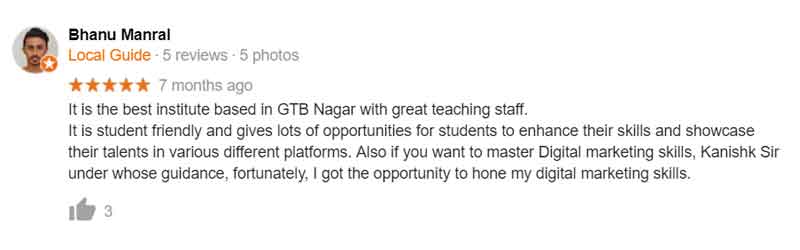
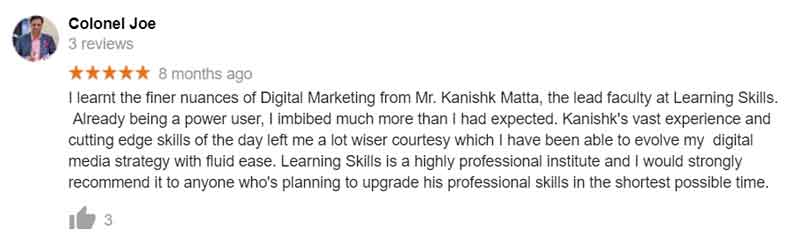
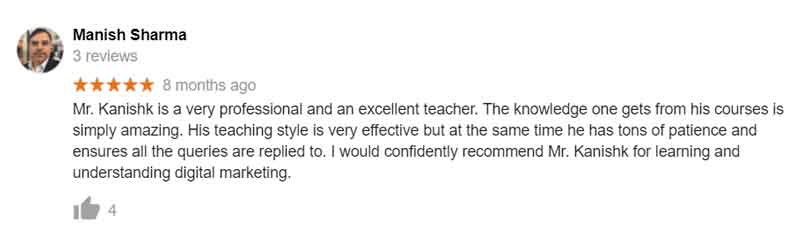
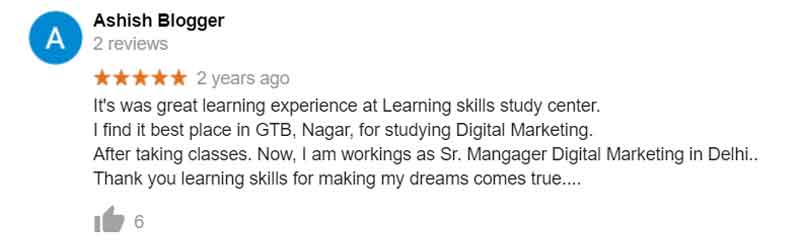
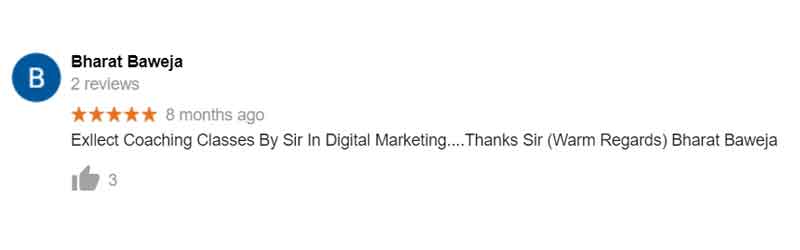
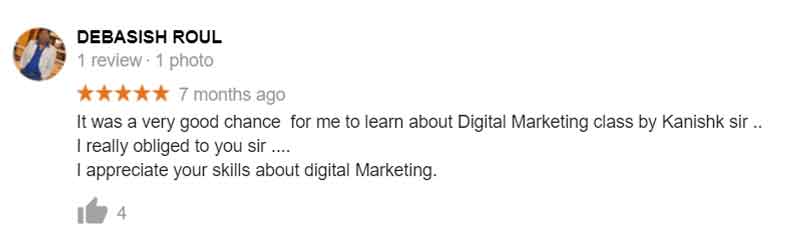
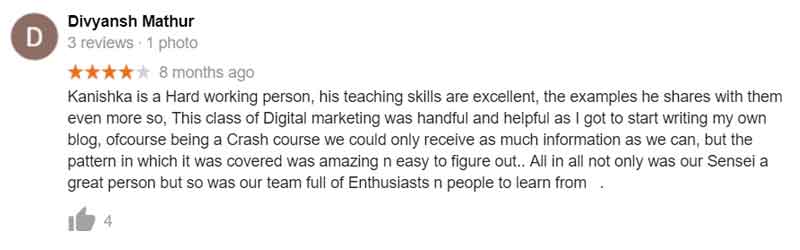
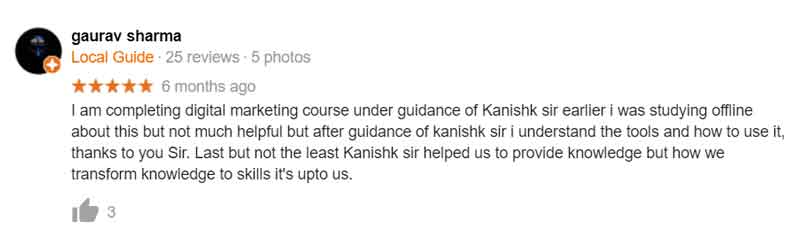
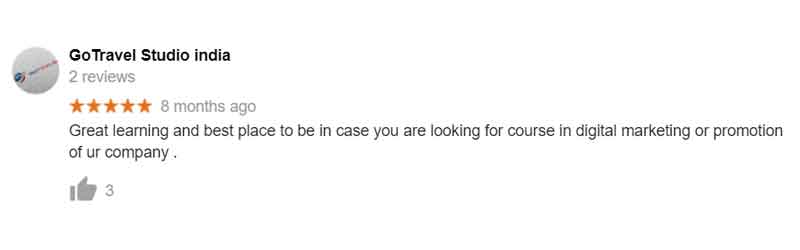
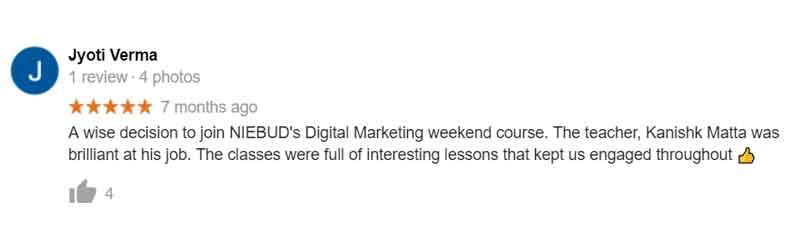
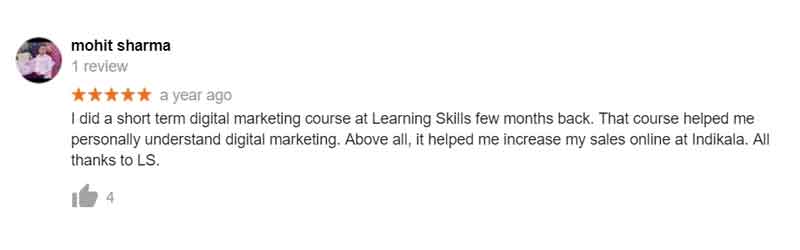
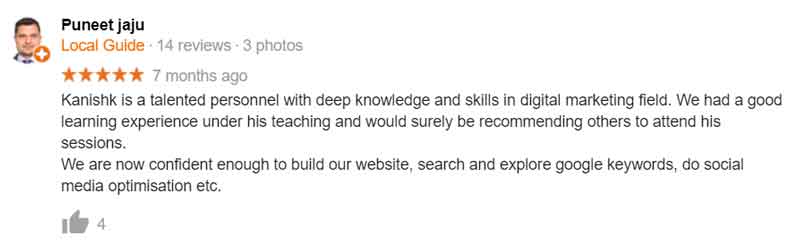
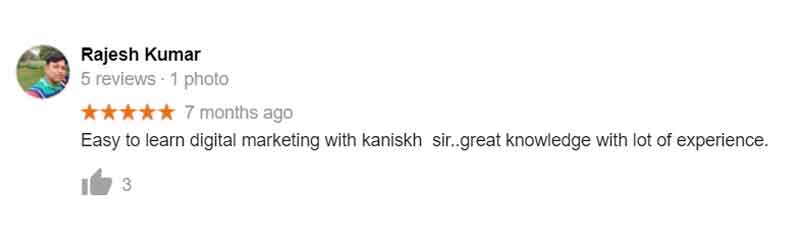
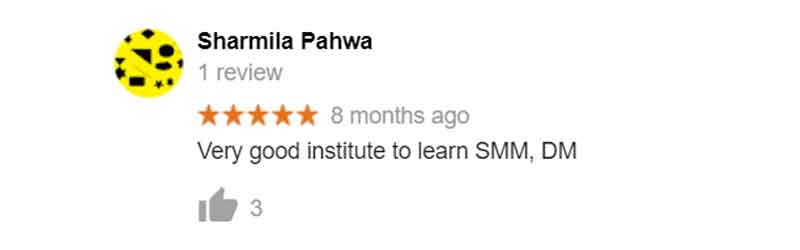
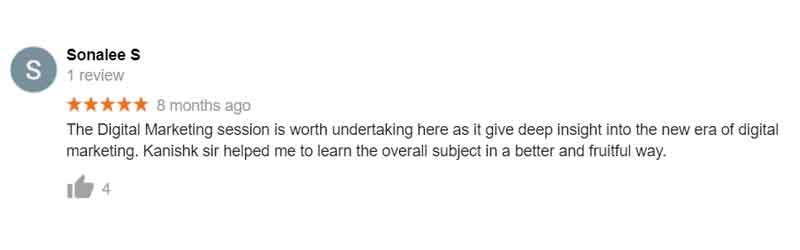
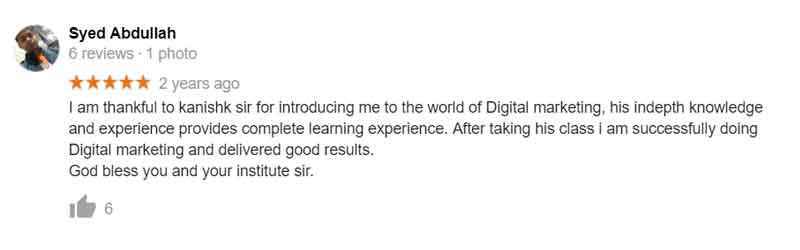
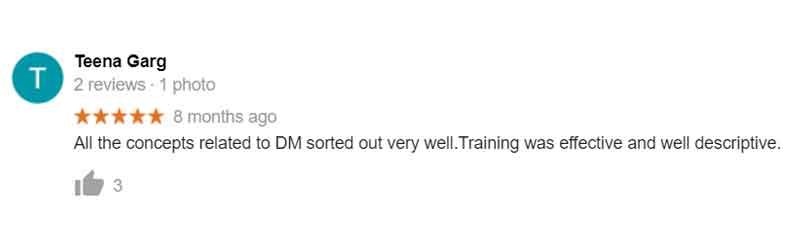
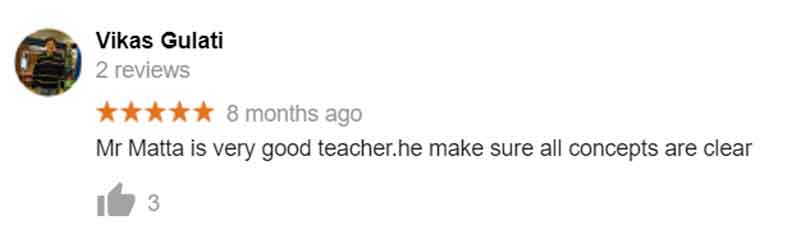
Students’ Reviews of Our Ecommerce Workshops









- 3 Sections
- 15 Lessons
- 53 Weeks
Expand all sectionsCollapse all sections
- WORDPRESS WEB DESIGNING & DEVELOPMENT4
- WORDPRESS BASICS & FOUNDATION SKILLS5
- OPTIMIZATION, ANALYTICS, LAUNCH & MONETIZATION6
ABOUT INSTRUCTOR

Requirements
- 4G OR STABLE INTERNET CONNECTION
- BASIC COMPUTER KNOWLEDGE & ENGLISH
- MINIMUM 10+2 EDUCATION LEVEL
Features
- LIVE CLASSES OF 2-3 HOURS EACH
- GUIDED TUTORIALS AND TRAINING
- CERTIFICATION BY LEARNING SKILLS INSTITUTE (LEARNSKILLS EDU PVT. LTD.)
- MENTORING BY TRAINER FOR 1 YEAR
- LIFELONG SUPPORT FOR ASKING QUESTIONS TO TRAINER
Target audiences
- COLLEGE STUDENTS
- BUSINESSMEN/WOMEN
- ENTREPRENEURS
- JOB PROFESSIONALS (CAs, DOCTORS, CONSULTANTS, JOURNALISTS ETC.)
- BLOGGERS, FREELANCERS, HOMEMAKERS & RETIRED
- PEOPLE INTERESTED IN LEARNING ECOMMERCE